Openers · Cedarvale
Garage Door Remote and Keypad Programming in Cedarvale
Your remote was in the visor when the car was broken into last night.
In plain words
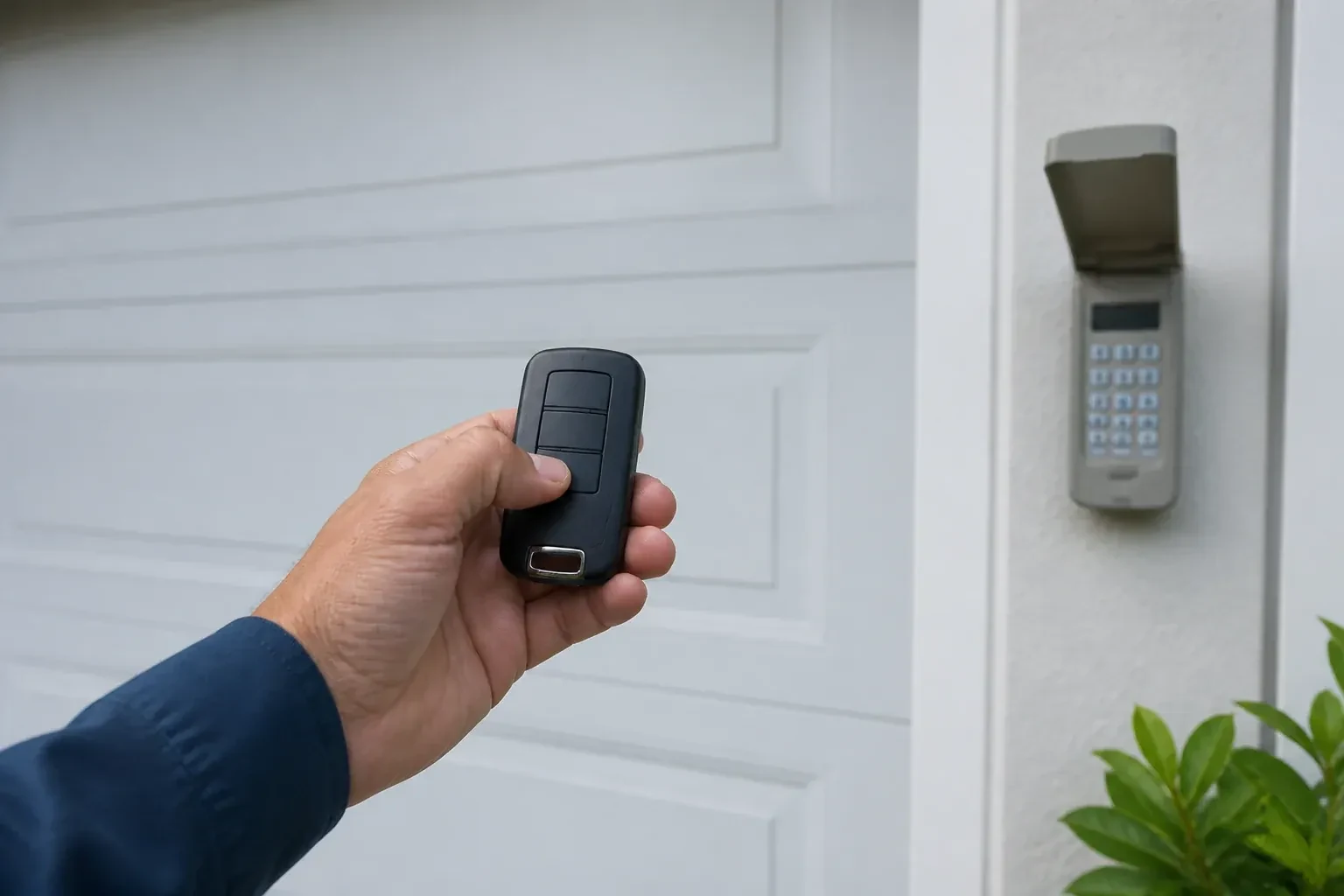
Built-in garage buttons in a car's mirror or overhead console are remotes like any other, often with one extra step. On many rolling-code openers the car first learns the signal from a working handheld remote held close to it, then the opener learns the car: the technician presses the learn button and, in the window that follows, presses the vehicle button until the door moves. A fresh battery in the handheld remote makes the first step reliable, though some vehicle systems follow a different sequence with no handheld remote, so the instructions are confirmed first. An older system sometimes needs a small bridge module.
How the visit goesYour remote was in the visor when the car was broken into last night. So was the insurance slip with your address on it. The door still answers that remote, wherever it is now, and you would very much like it not to.
Garage Door Remote and Keypad Programming
How the visit goes
One control or all of them?
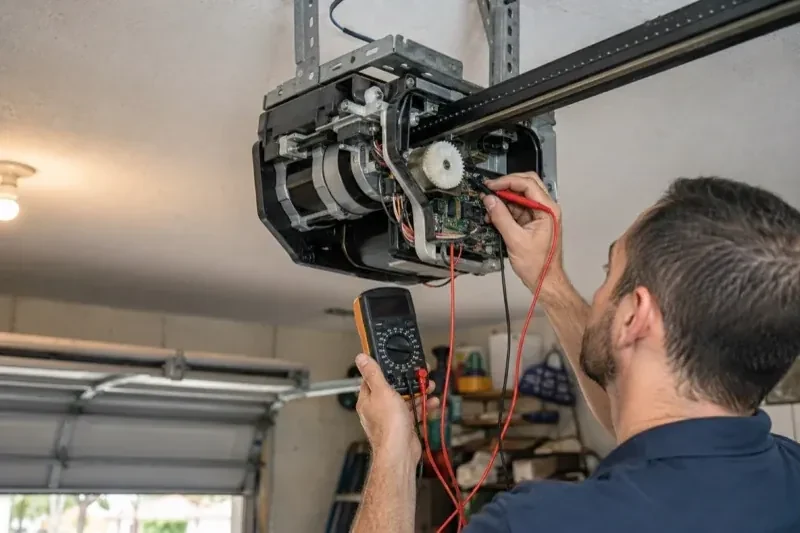
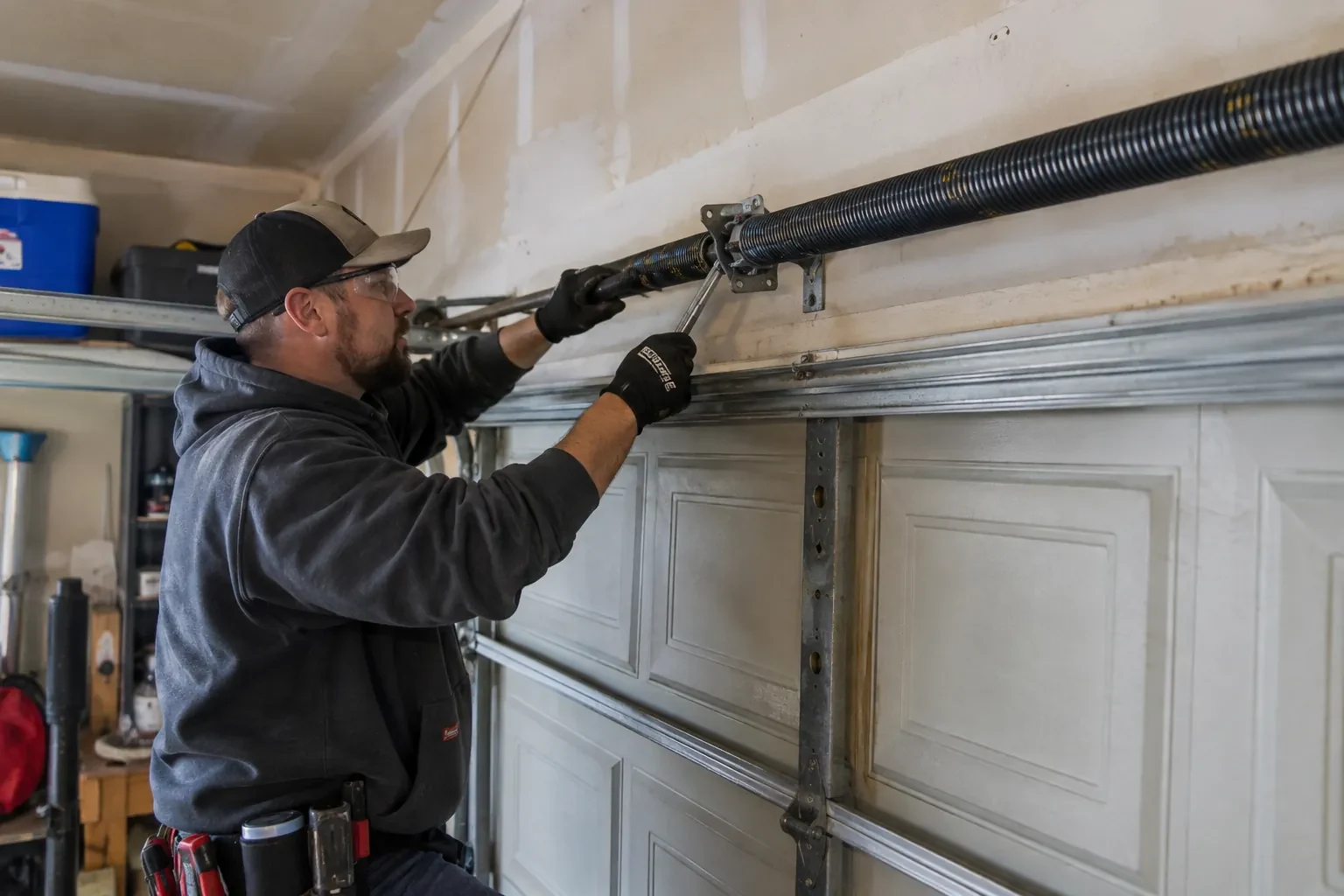
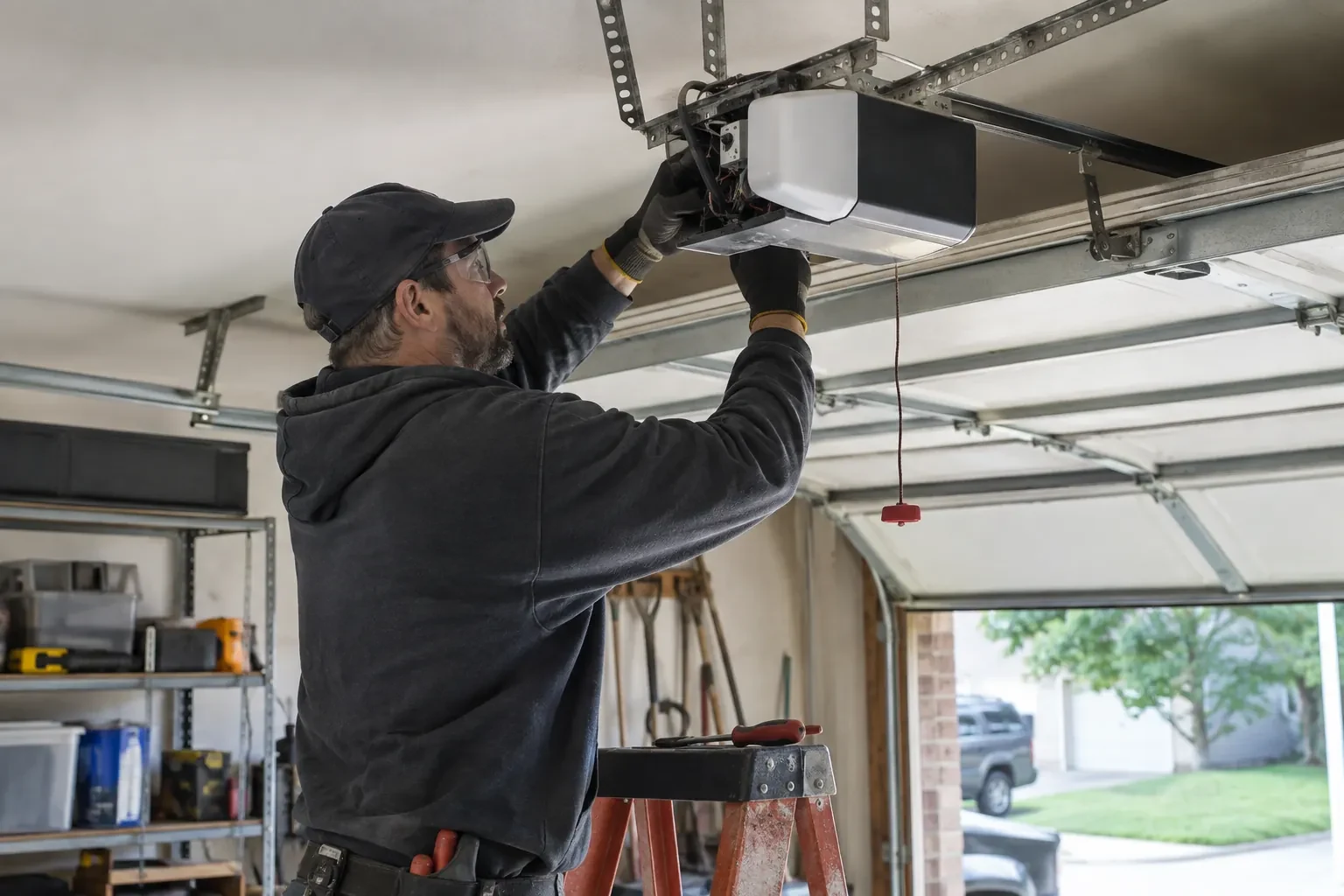
The pattern of failure points to the cause. When a single remote has gone quiet and the rest work, the trouble is inside that remote: a flat cell, corroded contacts, a worn button or a lost pairing. When every wireless control fails together while the wall button works, the technician looks at the opener's side: lock mode, a cleared memory, an antenna pushed into the housing, interference from bulbs, or a receiver that has stopped listening. A known-good remote from the truck is tried against the unit to settle the question. Sorting this early keeps the fix aimed at the right end of the radio link.
Clearing the memory and starting fresh
When a remote is lost or stolen, or the household has just moved in, the stored controls are wiped. The technician follows that model's own erase sequence, whether a single held button or a multi-button combination, until every remote, keypad code and vehicle button the opener knew is forgotten, including any the household never saw. Unplugging the unit would not have done this; only the correct sequence does, and a connected app or account is checked separately. Then the controls the household actually holds are programmed back one at a time, the keypad is given a new code, vehicles are retrained, and the door answers to a known and complete set of controls.
An older opener with a modern radio
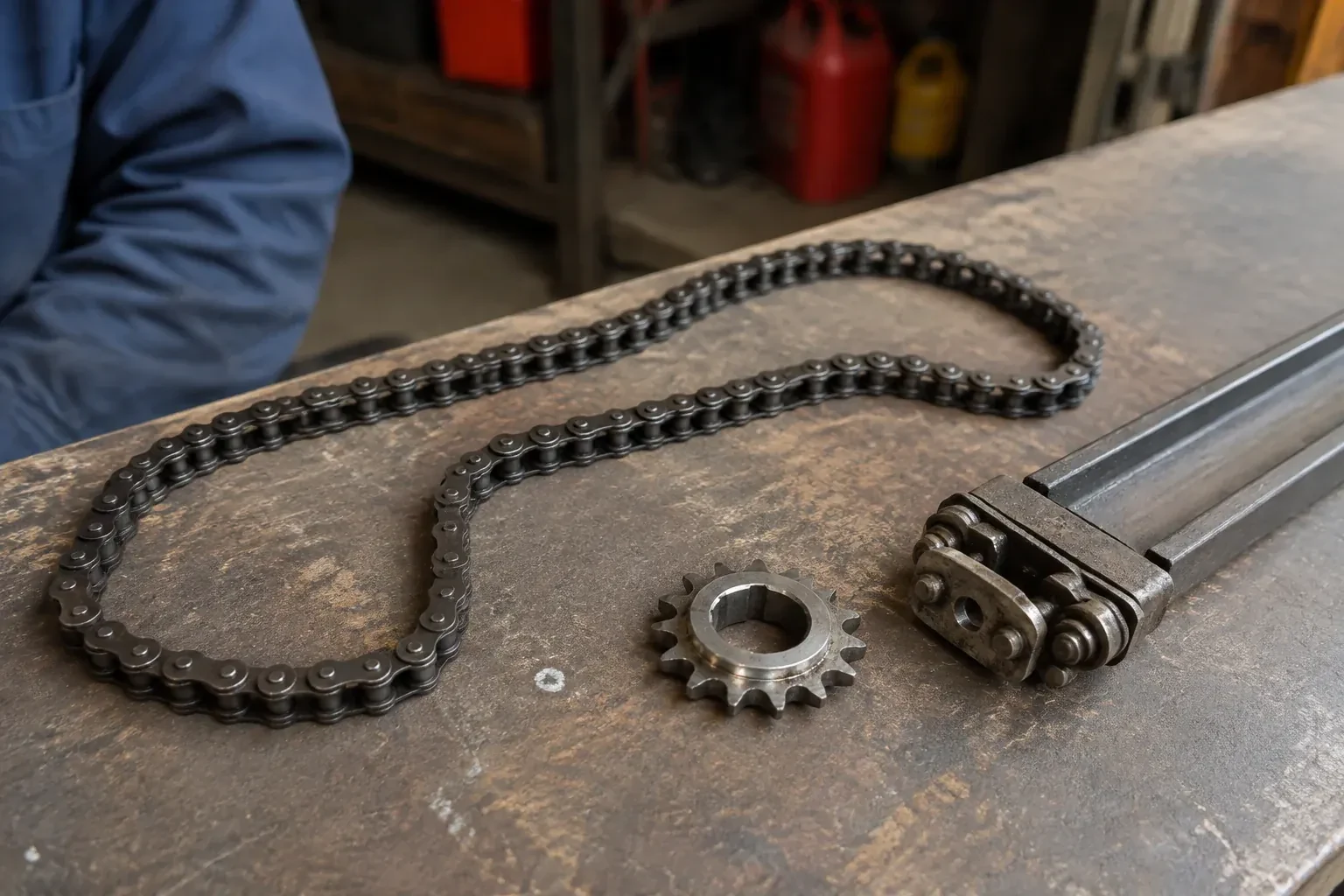
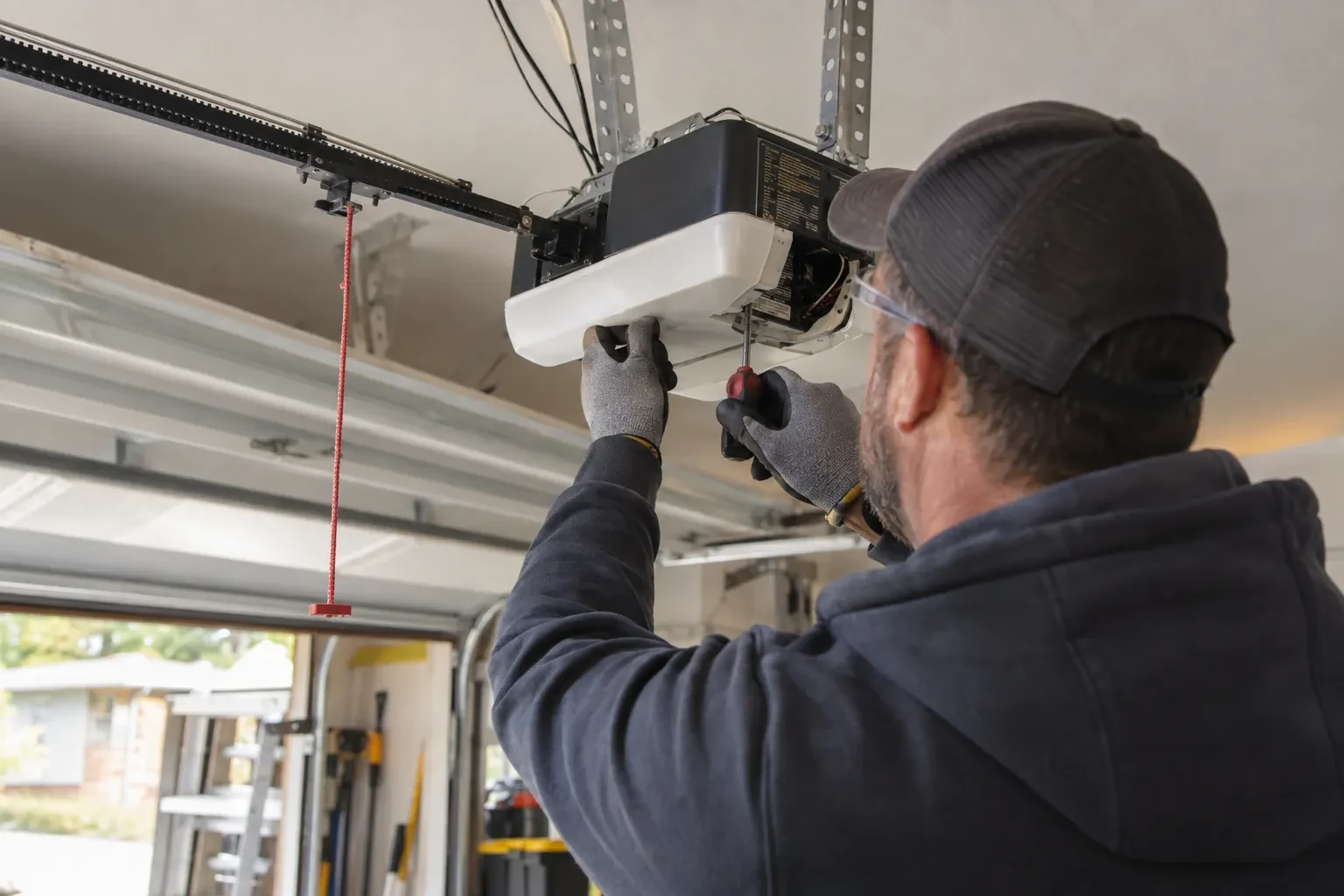
If an add-on receiver was fitted, your original motor and rail carry on as before while a small box near the head unit does the listening. You have new remotes and a keypad that use rolling codes, so the door no longer answers a fixed code that any similar remote might share. The receiver's power plug and its two thin wires to the wall-button terminals are shown to you so nothing is unplugged by accident. The photo eyes that made this upgrade possible are checked and their monthly test explained, since they remain the door's main protection.
Garage Door Remote and Keypad Programming
In the van
Wireless outdoor keypad
Keypad mounting screws and anchors
Multi-door keypad
Universal multi-generation remote
Add-on rolling-code receiver kit
Garage Door Remote and Keypad Programming
What affects the quote
Multiple doors or a gate
A second opener or a driveway gate doubles the pairing and testing, and may call for multi-button remotes or a multi-door keypad.
Vehicle buttons to train
Vehicle programming is quoted by the actual vehicle and opener combination, since not every built-in system uses the same steps; an older vehicle that needs a bridge module adds that part.
Compatibility of the accessory
A remote matched to the opener's generation is programmed as it is. One of the wrong generation is swapped for a compatible or universal model, and that device is a separate line.
What to have ready
- Are you adding a control, replacing a lost one, or starting fresh after a move?
- Does the wall button move the door normally right now?
- Roughly how old is the opener, and can you read its model label?
Garage Door Remote and Keypad Programming: questions
QuestionsThe wall button works but none of the remotes do. Is that a programming job?
Sometimes, but the technician rules out two things first. Lock mode on the wall control tells the opener to ignore every remote, and gives itself away by a steadily blinking wall indicator and two flashes of the opener light whenever a remote is pressed; holding the lock button releases it. A memory cleared by a long press on the learn button is the other cause, and that one is a programming job.
How do I program the built-in button in my car?
Often in two steps, on a common HomeLink-style setup. First the car learns a working handheld remote: hold the remote close to the mirror or console and press its button together with the vehicle button until the indicator changes. Then the opener learns the car: press learn on the head unit, walk back to the car within the window that follows, and press the trained button repeatedly until the door responds. Some vehicle systems use a different sequence with no handheld remote, so the vehicle manual is checked first.
What is the learn button and where is it?
It is a small button on the head unit, usually under the light cover on the same side as the antenna wire, sometimes on the back. Pressed briefly, it opens a window in which a remote or keypad can be added. Erasing every stored control follows that model's own sequence, which on some current openers needs more than one button. Some wall-mounted controls carry a second learn button that works the same way, and a connected app or account is managed on its own.