Openers · Forest Hill
Garage Door Remote and Keypad Programming in Forest Hill
Your remote was in the visor when the car was broken into last night.
In plain words
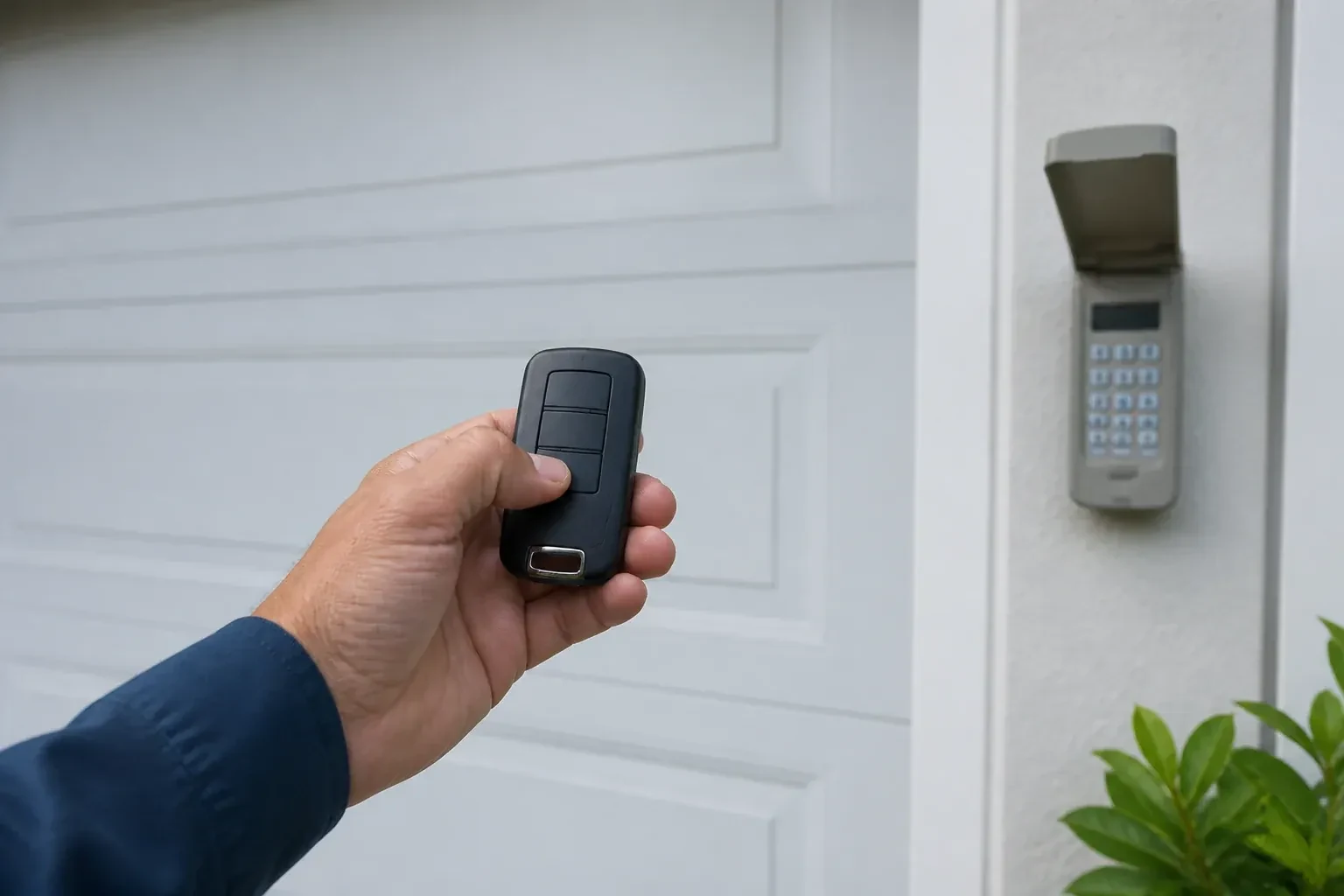
Not every dead remote needs programming, so the visit starts by ruling out the simple things. The wall control may be in lock mode, which tells the opener to ignore all remotes and shows as a blinking indicator. The coin cell may be flat, or its contacts corroded. LED bulbs in the opener's own sockets can drown the radio signal so the remote works only at arm's length. The antenna wire may be tucked away. A known-good remote is tested against the receiver, and only when the receiver answers it does programming of your controls begin.
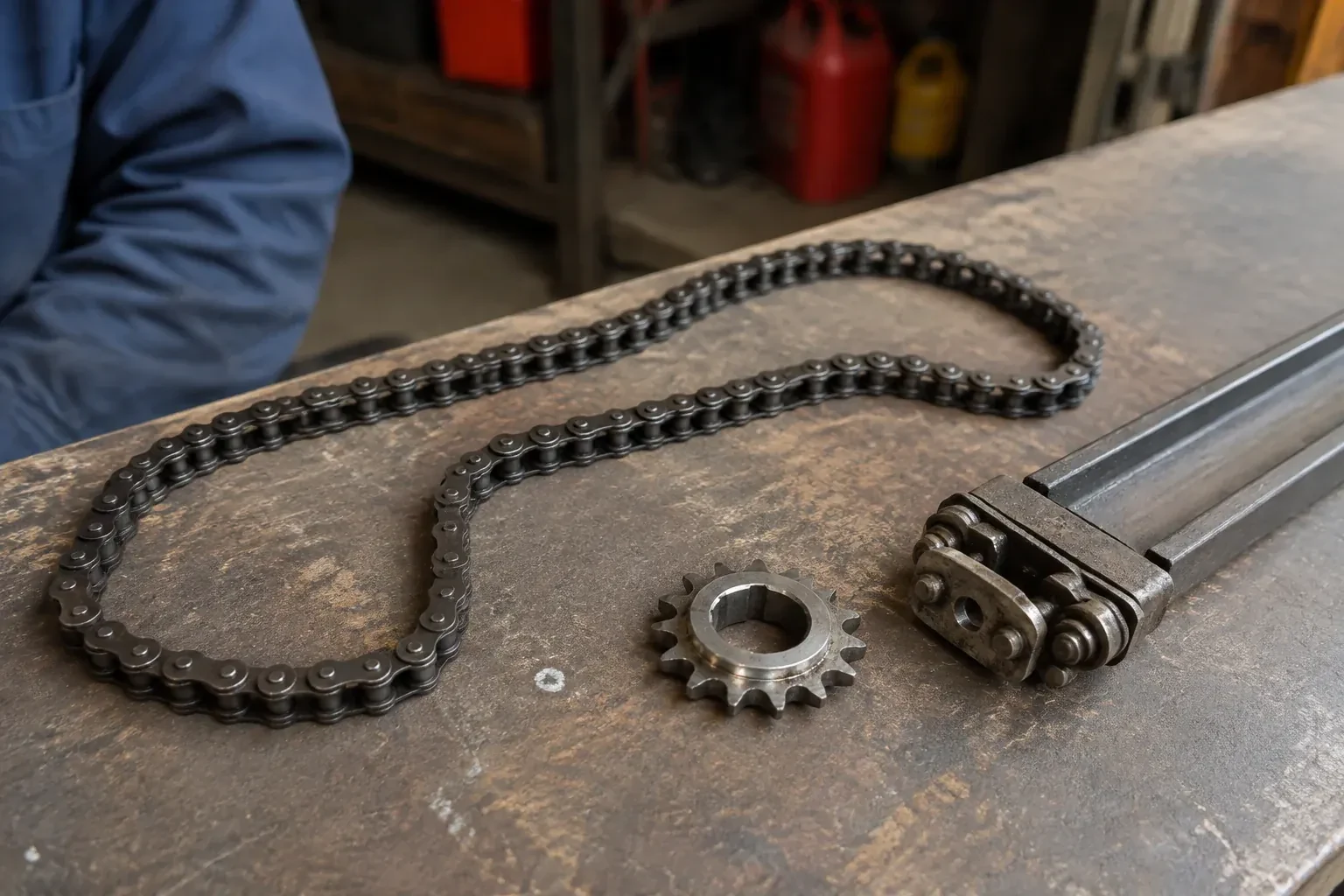
How the visit goesThe opener is an older one with a row of tiny switches inside the remote. The last remote finally died, the maker stopped selling that model years ago, and the door itself still runs perfectly from the wall button.
Garage Door Remote and Keypad Programming
How the visit goes
Who should be able to open this door?
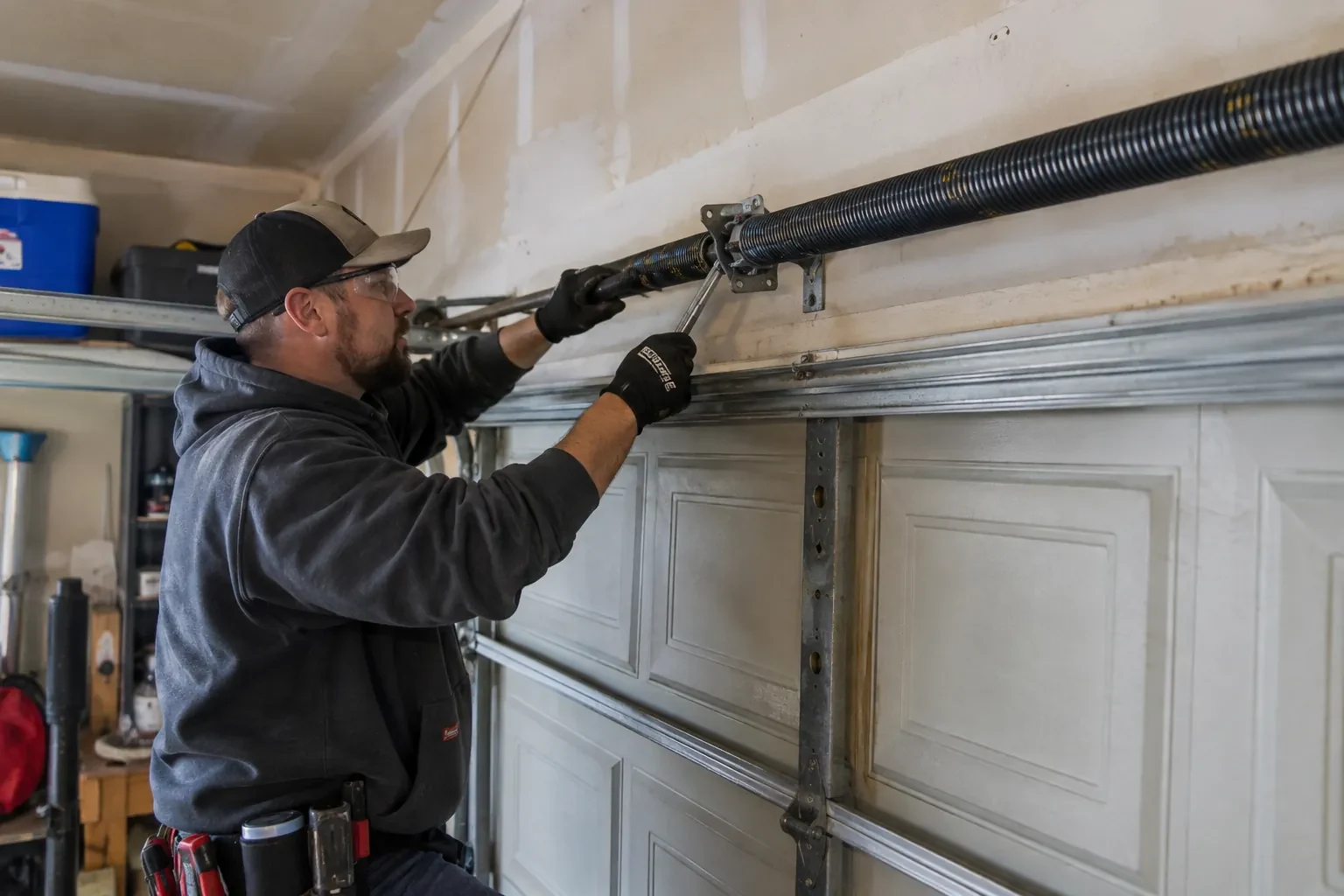
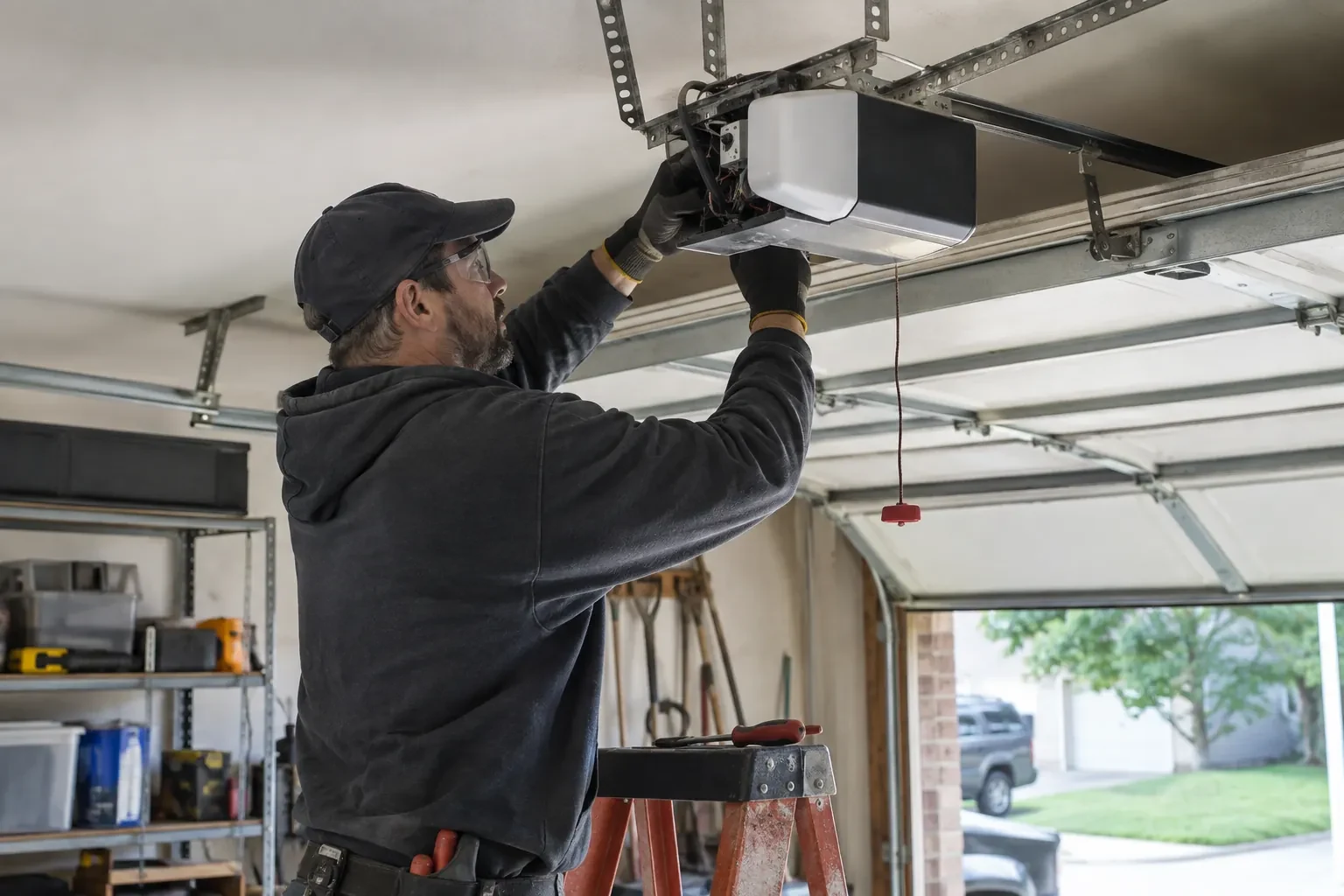
Before touching the memory, the technician asks what the household wants the outcome to be. Is this adding one remote for a new driver, replacing a lost one, or starting fresh after a move? Are there vehicle buttons, a keypad and a phone app to keep? Is anyone's remote missing, or has a car with a programmed button been sold? The answers decide between adding to the stored controls and erasing everything and rebuilding. The technician also confirms the person asking is the owner, a tenant with permission, or the manager of a shared building, since access to a garage is access to a home.
Restoring range and ending interference
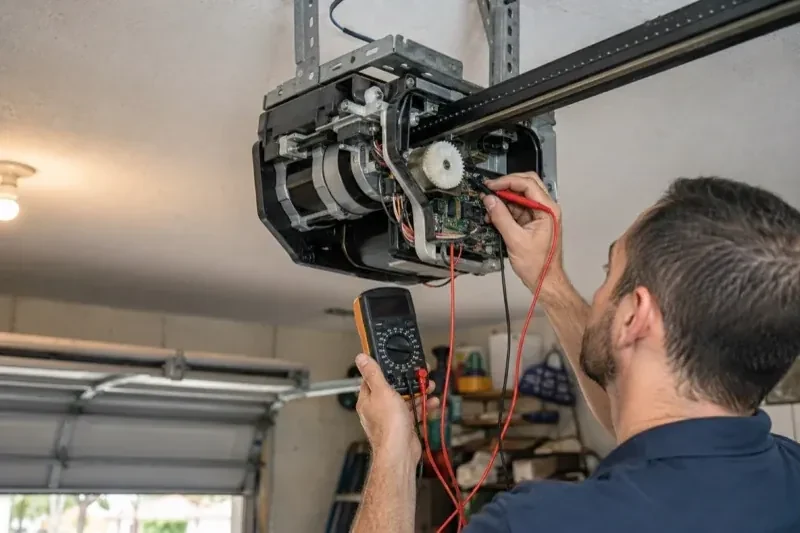
Programming is not needed when the remote works but only up close; the radio path is. The technician replaces LED bulbs in the head unit with a type known not to interfere, or moves the light source, and confirms the antenna wire hangs straight and free below the unit. Remote batteries are renewed, since a fading cell shrinks range before it fails outright. A range test is repeated from the same spots as before so the improvement is measured rather than assumed. If range stays poor with a fresh remote and a clean environment, the receiver itself is the suspect and is replaced with one made for that opener.
Range you can rely on
If range was part of the problem, you leave with a remote that works from the street rather than from under the door, and with the reason explained: the bulb that was swapped, the antenna that now hangs free, the cell that was replaced. Keep the antenna wire uncoiled and clear of the light cover when bulbs are changed, and choose bulbs marked as suitable for garage door openers. If range shrinks again over the coming months, the first suspects are a fading battery and a new electronic device in the garage, in that order.
Garage Door Remote and Keypad Programming
In the van
Wireless outdoor keypad
Keypad mounting screws and anchors
Multi-door keypad
Universal multi-generation remote
Add-on rolling-code receiver kit
Garage Door Remote and Keypad Programming
What affects the quote
Access to the head unit
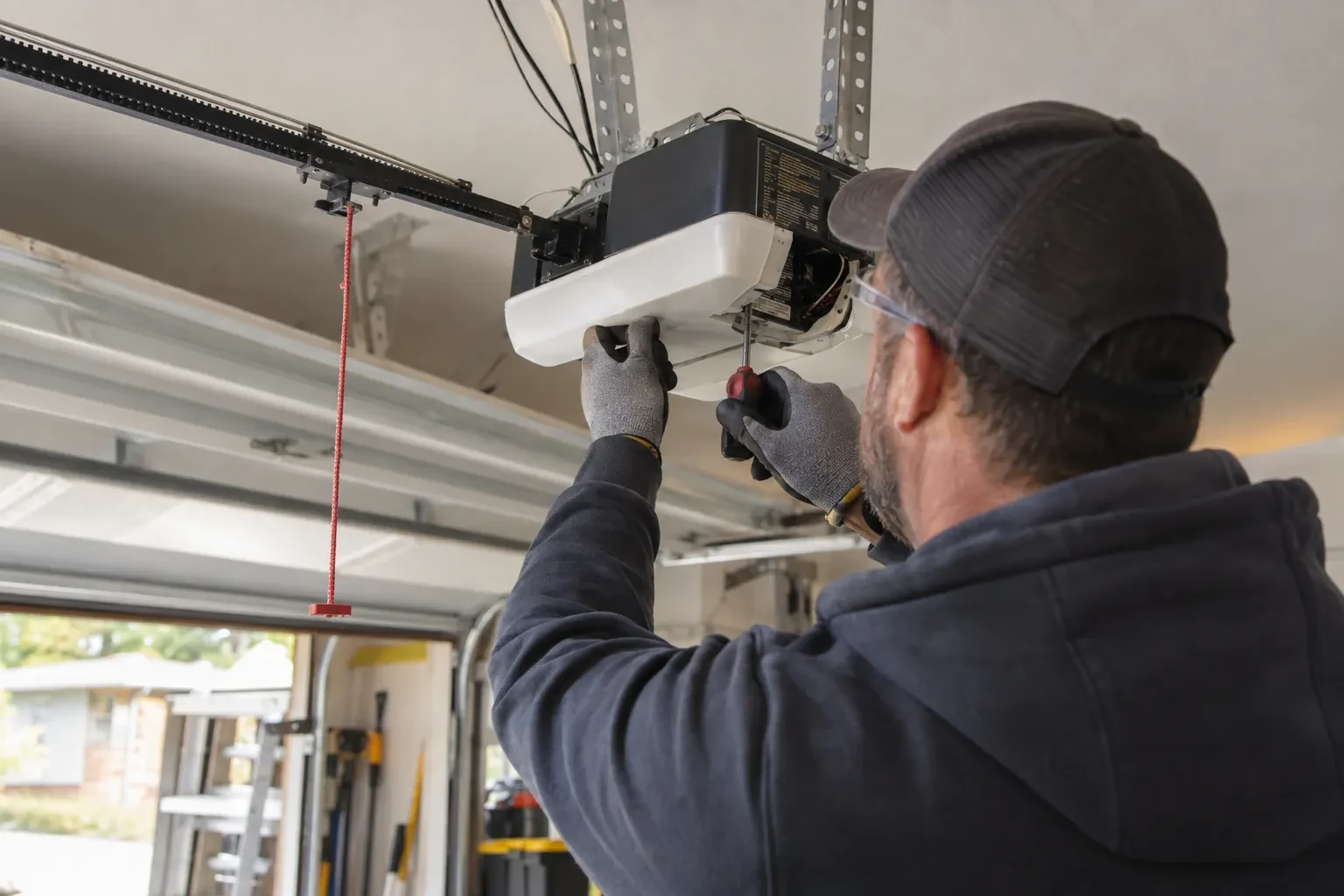
A high ceiling, a storage loft or a car that cannot be moved from under the opener means extra ladder work to reach the learn button.
Shared or managed building
In a condominium or rental building, coordinating with the property manager and working on a common door adds steps to the visit.
Clearing and rebuilding the memory
Erasing all stored controls after a move or a loss, then reprogramming every remaining device and vehicle, takes longer than adding one remote, and the quote says so.
What to have ready
- Do you have a keypad outside, and does anyone still know its code?
- Are you adding a control, replacing a lost one, or starting fresh after a move?
- What colour is the small learn or program button under the opener's light cover?
Garage Door Remote and Keypad Programming: questions
QuestionsThe wall button works but none of the remotes do. Is that a programming job?
Sometimes, but the technician rules out two things first. Lock mode on the wall control tells the opener to ignore every remote, and gives itself away by a steadily blinking wall indicator and two flashes of the opener light whenever a remote is pressed; holding the lock button releases it. A memory cleared by a long press on the learn button is the other cause, and that one is a programming job.
How do I program the built-in button in my car?
Often in two steps, on a common HomeLink-style setup. First the car learns a working handheld remote: hold the remote close to the mirror or console and press its button together with the vehicle button until the indicator changes. Then the opener learns the car: press learn on the head unit, walk back to the car within the window that follows, and press the trained button repeatedly until the door responds. Some vehicle systems use a different sequence with no handheld remote, so the vehicle manual is checked first.
What is the learn button and where is it?
It is a small button on the head unit, usually under the light cover on the same side as the antenna wire, sometimes on the back. Pressed briefly, it opens a window in which a remote or keypad can be added. Erasing every stored control follows that model's own sequence, which on some current openers needs more than one button. Some wall-mounted controls carry a second learn button that works the same way, and a connected app or account is managed on its own.