Openers · The Annex
Garage Door Remote and Keypad Programming in The Annex
Your remote was in the visor when the car was broken into last night.
In plain words
When you move into a house, or a remote goes missing, the question is who else can open the door. The answer lives in the opener's memory, and the technician can wipe it clean, following that model's own erase sequence to clear every remote and keypad code stored, including ones you have never seen. Unplugging the opener does not do this; only the correct sequence does. Your own remotes, the keypad with a code you choose, and any vehicle buttons are then programmed back one by one, and a connected app or account is checked too, so the door answers only to controls your household holds.
How the visit goesThe new car has three buttons in the mirror for garage doors. You held the old remote up to it as the manual said, the light in the car changed, and yet the door ignores it completely. The handheld remote works fine.
Garage Door Remote and Keypad Programming
How the visit goes
Who should be able to open this door?
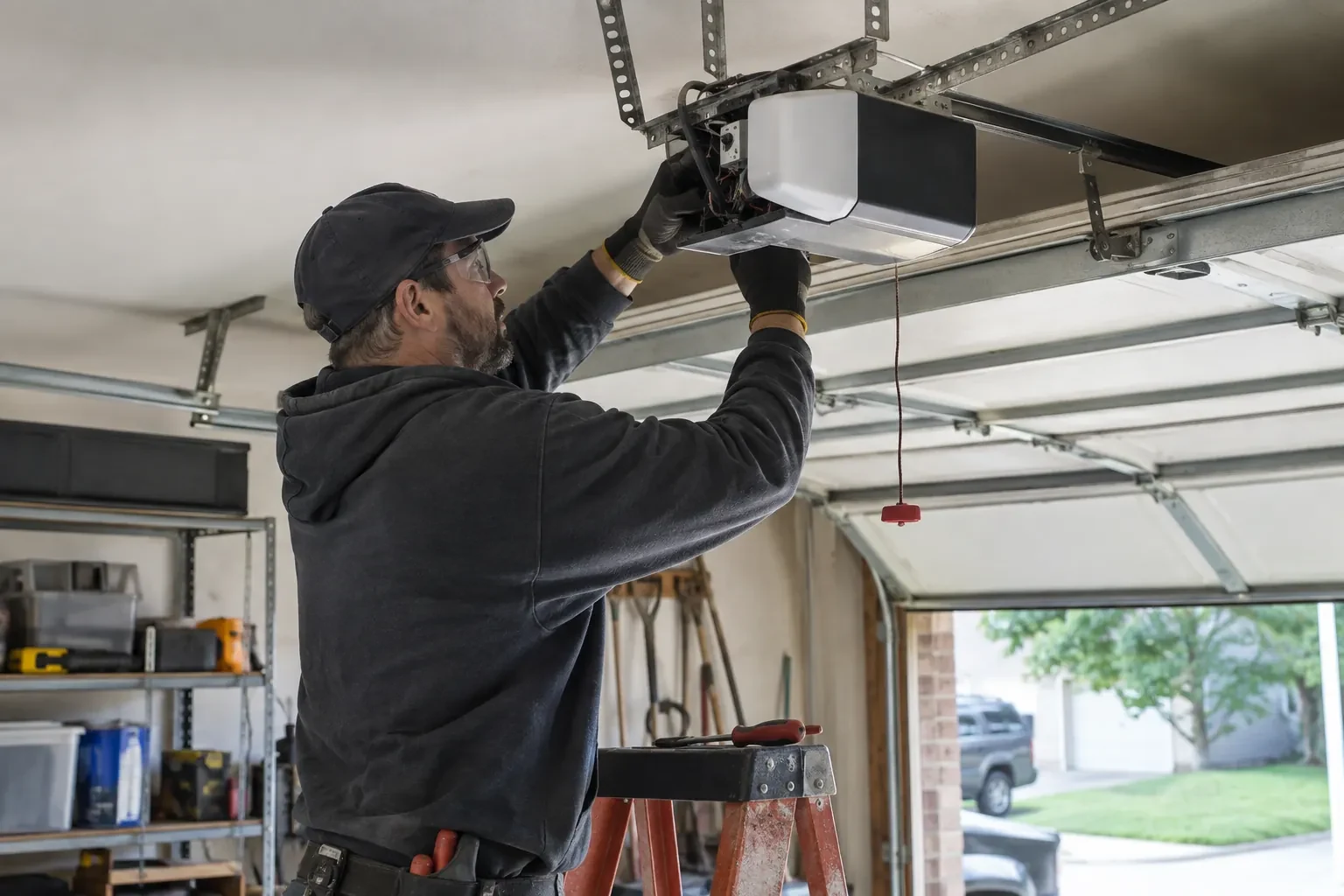
Before touching the memory, the technician asks what the household wants the outcome to be. Is this adding one remote for a new driver, replacing a lost one, or starting fresh after a move? Are there vehicle buttons, a keypad and a phone app to keep? Is anyone's remote missing, or has a car with a programmed button been sold? The answers decide between adding to the stored controls and erasing everything and rebuilding. The technician also confirms the person asking is the owner, a tenant with permission, or the manager of a shared building, since access to a garage is access to a home.
Adding a remote to the memory
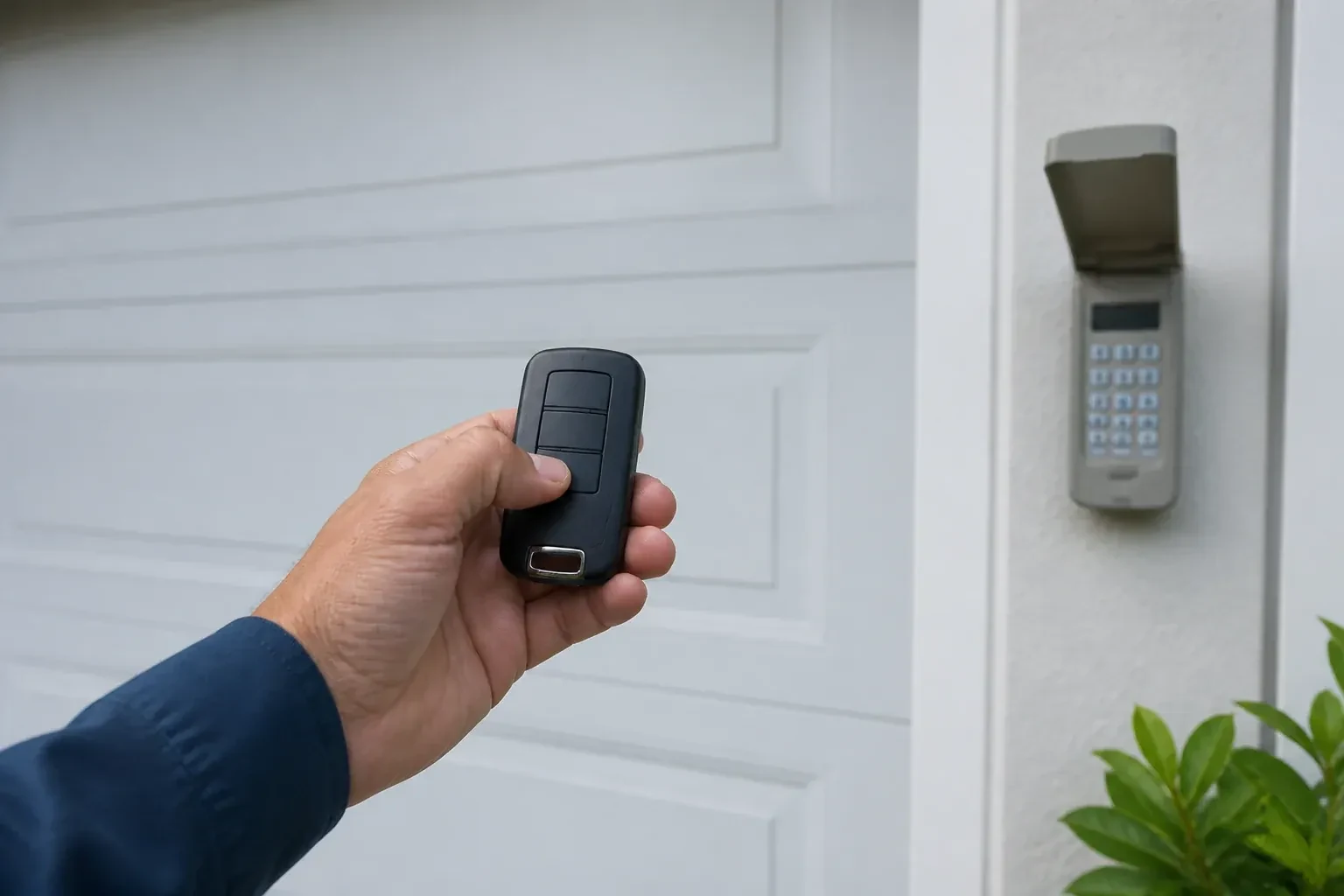
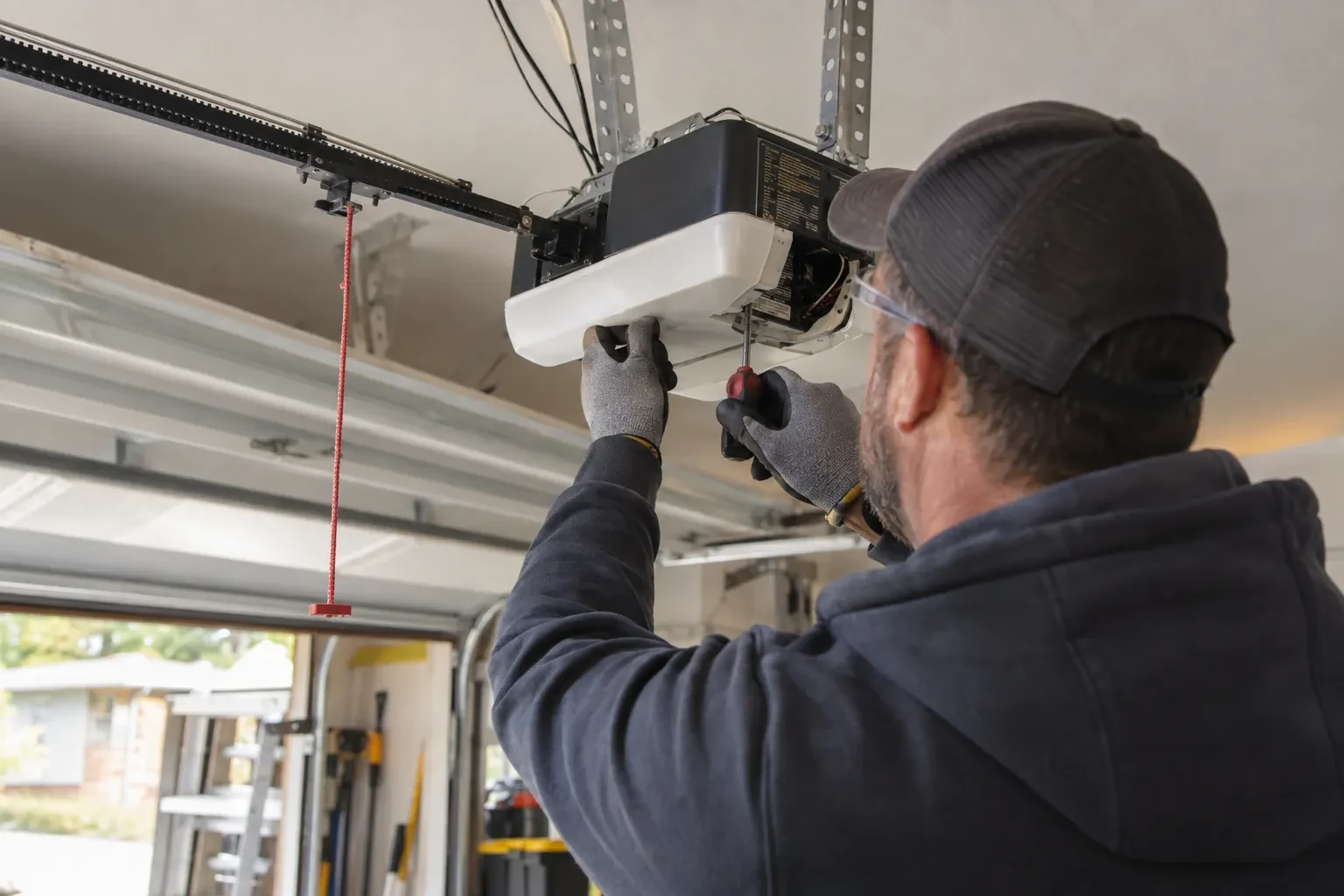
With a compatible remote in hand and the opener confirmed ready, pairing is a short exchange. The technician presses and releases the head unit's learn button, which opens a programming window of roughly half a minute, then presses the chosen remote button until the opener light blinks or the unit gives a click. That button now opens the door. A second button can be tied to a second door or a gate the same way. Each remote is tested from the driveway and from beside the door, and the process is repeated for every device on the list so nobody is left with a control that half works.
The car opens the door, and the door knows the car
Vehicle buttons are trained and tested from the driver's seat, and you know how yours was set up, since not every system uses the same two-stage method of the car learning a remote and then the opener learning the car. If you change vehicles, the new one is set up to its own instructions, and the old one's button should be cleared before the car is sold or returned from a lease. The handover note records which vehicles are programmed and to which door. Where a bridge module was fitted for an older in-car system, its location and what it does are pointed out so a future technician is not puzzled by it.
Garage Door Remote and Keypad Programming
In the van
Wireless outdoor keypad
Keypad mounting screws and anchors
Multi-door keypad
Universal multi-generation remote
Add-on rolling-code receiver kit
Garage Door Remote and Keypad Programming
What affects the quote
Keypad supplied or existing
Programming a keypad already on the wall is one task. Supplying and mounting a new one, including anchors for brick or siding, is a larger item.
Batteries supplied
Coin cells for remotes and the small cells in keypads are counted per device when the technician supplies them, and noted so you know what to buy next time.
Opener check-up before programming
Confirming power, lock mode, sensors and door travel is included; any repair those checks reveal is discussed and quoted before it is done.
What to have ready
- Does the wall button move the door normally right now?
- Roughly how old is the opener, and can you read its model label?
- Do you own the home, rent it, or is the garage shared with other units?
Garage Door Remote and Keypad Programming: questions
QuestionsThe wall button works but none of the remotes do. Is that a programming job?
Sometimes, but the technician rules out two things first. Lock mode on the wall control tells the opener to ignore every remote, and gives itself away by a steadily blinking wall indicator and two flashes of the opener light whenever a remote is pressed; holding the lock button releases it. A memory cleared by a long press on the learn button is the other cause, and that one is a programming job.
How do I program the built-in button in my car?
Often in two steps, on a common HomeLink-style setup. First the car learns a working handheld remote: hold the remote close to the mirror or console and press its button together with the vehicle button until the indicator changes. Then the opener learns the car: press learn on the head unit, walk back to the car within the window that follows, and press the trained button repeatedly until the door responds. Some vehicle systems use a different sequence with no handheld remote, so the vehicle manual is checked first.
What is the learn button and where is it?
It is a small button on the head unit, usually under the light cover on the same side as the antenna wire, sometimes on the back. Pressed briefly, it opens a window in which a remote or keypad can be added. Erasing every stored control follows that model's own sequence, which on some current openers needs more than one button. Some wall-mounted controls carry a second learn button that works the same way, and a connected app or account is managed on its own.