Openers · The Annex
Smart Garage Controller Setup in The Annex
It is February.
In plain words
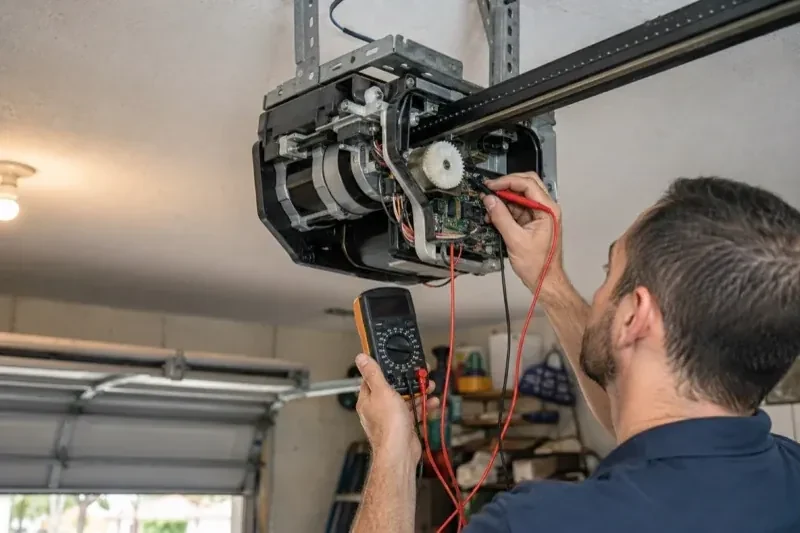
Smart garage controller setup gives your garage door a place in your phone: open, close, see whether it is up or down, and hear about it when something changes. Many openers made in the last several years carry a wireless radio inside the head unit that only needs switching on and joining to your network. Older openers take a small retrofit hub beside the motor and a battery sensor on the top door panel, which together tell the app what the door is doing and pass your commands to it. The technician works out which route fits your opener and completes it in one visit.
How the visit goesThere is a wireless symbol printed on the opener above the car, and the manual mentions an app, but the head unit has never been connected to anything. You downloaded the app once, it asked for a serial number and a network, and the moment passed.
Smart Garage Controller Setup
How the visit goes
Whether the radio is already inside
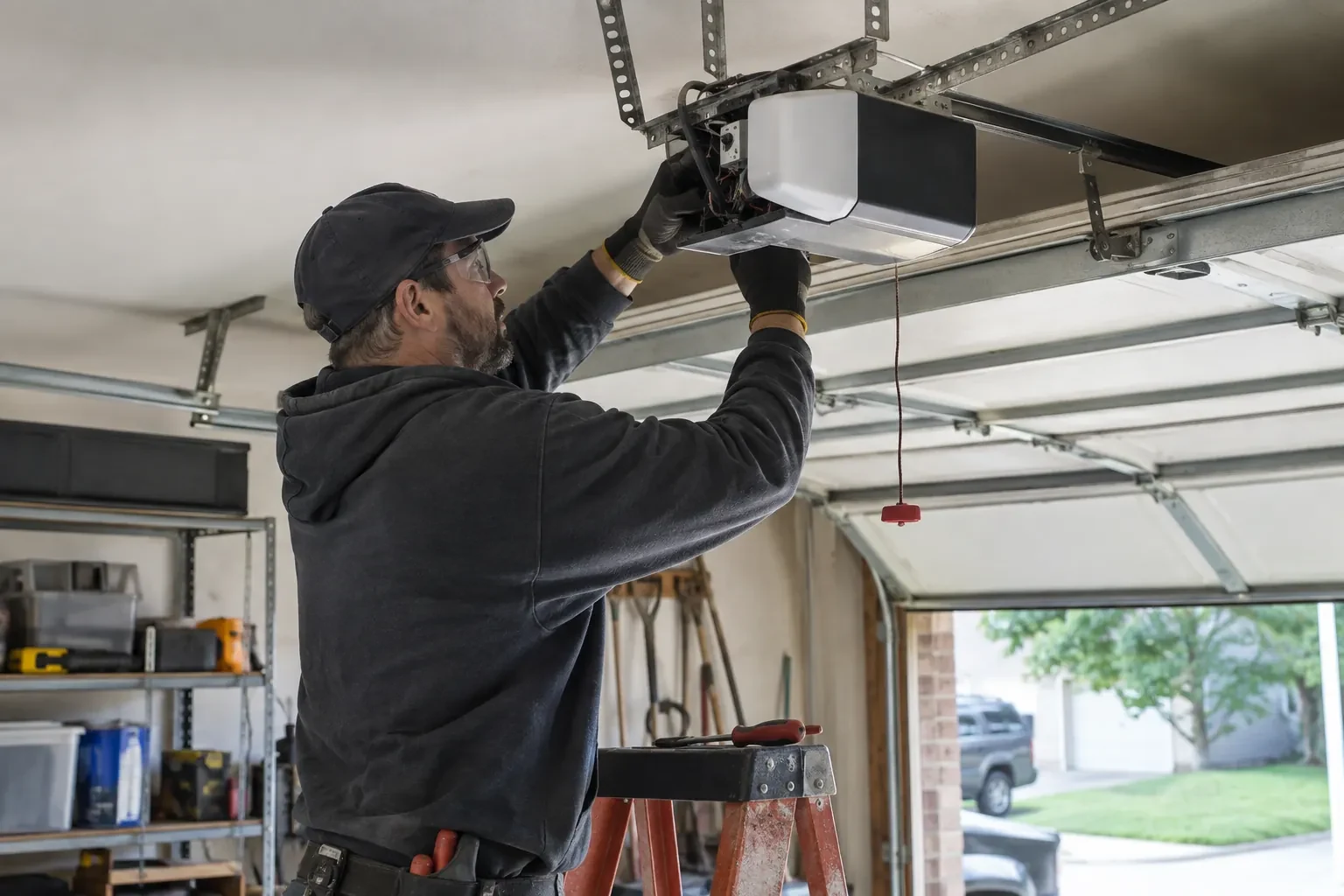
Many openers sold in the last several years already contain a wireless radio, and the check is simple: a network symbol printed on the head unit, a dedicated indicator light, or a mention of an app in the manual. When the radio is built in there is no hub to mount and no sensor to fit; the opener itself reports door position from its own travel sensing. The technician confirms the radio has not been paired to a previous owner's account, notes the serial number the app will ask for, and checks that the unit's firmware is a version the current app still supports. If so, the job becomes configuration rather than installation.
Alerts, schedules and shared users
With the door reporting truthfully, the useful settings are made. A left-open alert is set to a sensible delay, often ten or fifteen minutes, so it is helpful rather than nagging. If wanted, a nightly schedule is created that closes the door at a chosen hour, with the app's confirmation that the pre-close warning will sound. Household members are invited as users under the owner's account, each on their own login, and any temporary access for a contractor is created with an end date. Notifications are sent to the right devices and confirmed to arrive. The owner is shown how to add, change and remove each of these later.
Alerts that earn their place
You leave with a small set of notifications chosen on purpose rather than every option switched on. A left-open reminder after a set delay, a note when the door opens during hours nobody should be using it, and a message when a scheduled close has completed are the ones most households keep. If the alerts become noise, adjust the delays or turn one off rather than muting the app entirely, because a silenced app is the one that stays quiet on the night the door is up. The settings screen you were shown is where each of these lives, and changes take effect at once.
Smart Garage Controller Setup
In the van
Dry-contact adapter for encrypted openers
Low-voltage bell wire
Cable clips and insulated staples
Lithium coin cell or cylindrical cells
A 2x4 offcut for the reversal test
Smart Garage Controller Setup
What affects the quote
Ceiling height and access
A standard garage puts the head unit and the top door panel in easy ladder reach. High ceilings, storage lofts or a car that cannot move add setup time.
Door sensor mounting
A flat steel panel takes the sensor in minutes. An insulated, raised-panel or windowed top section may need a bracket or a different spot, which adds a little time.
Wiring route
Where the hub is wired to the wall-control terminals, the distance and route from hub to console, clipped clear of the chain and trolley, sets the time for that step.
What to have ready
- What colour is the learn button under the opener's light cover?
- How strong is your phone's Wi-Fi signal when you stand under the opener?
- Which email address should the account be created under?
Smart Garage Controller Setup: questions
QuestionsThe previous owner's controller is still on the ceiling. Can I use it?
Usually, once it is released from their account. If the seller can be reached, they remove the device from their app; if not, the technician performs a factory reset using the maker's documented steps, which clears the old registration. The hub and sensor are then paired fresh, joined to your network and claimed under your own login, and the battery and sensor placement are checked rather than assumed.
Is my garage less secure with a phone controlling it?
Done properly, no. Some hubs pair with the opener as a radio transmitter over the same rolling-code system as your remotes; others connect directly to the wall-control terminals with no such radio link. Either way, the account is protected by a chosen password and two-step verification where offered. The main risk is a shared or reused password, so the account gets its own and the user list is reviewed now and then.
My garage is detached. Will the signal reach?
Sometimes on its own, often with help. A driveway, two exterior walls and a metal-clad garage can knock a signal down to the point where the hub connects but drops offline regularly. The technician measures at the mounting spot and, where the reading is marginal, adds a small access point or extender positioned to bridge the gap, so the hub joins a strong signal from day one rather than a weak one you have to keep nursing.